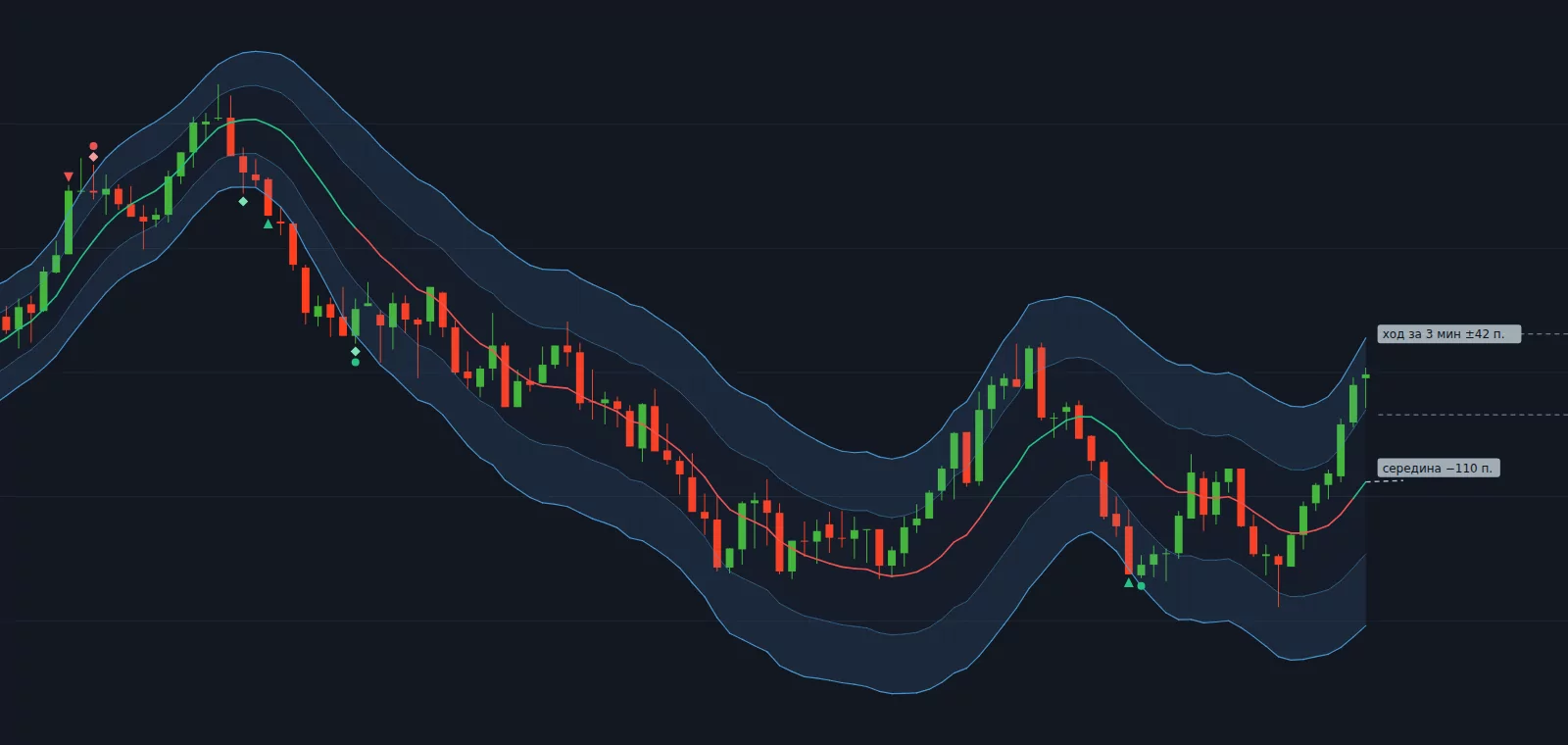
7trade Nadaraya-Watson
A channel around a smoothed price: the middle, stretch zones and a corridor for the trade duration.
Chrome extension · PocketOption trading room
7trade lives inside the trading room you already use: our own indicators, candlestick patterns, a strategy builder and trades strictly by your rules. No code and no separate program.
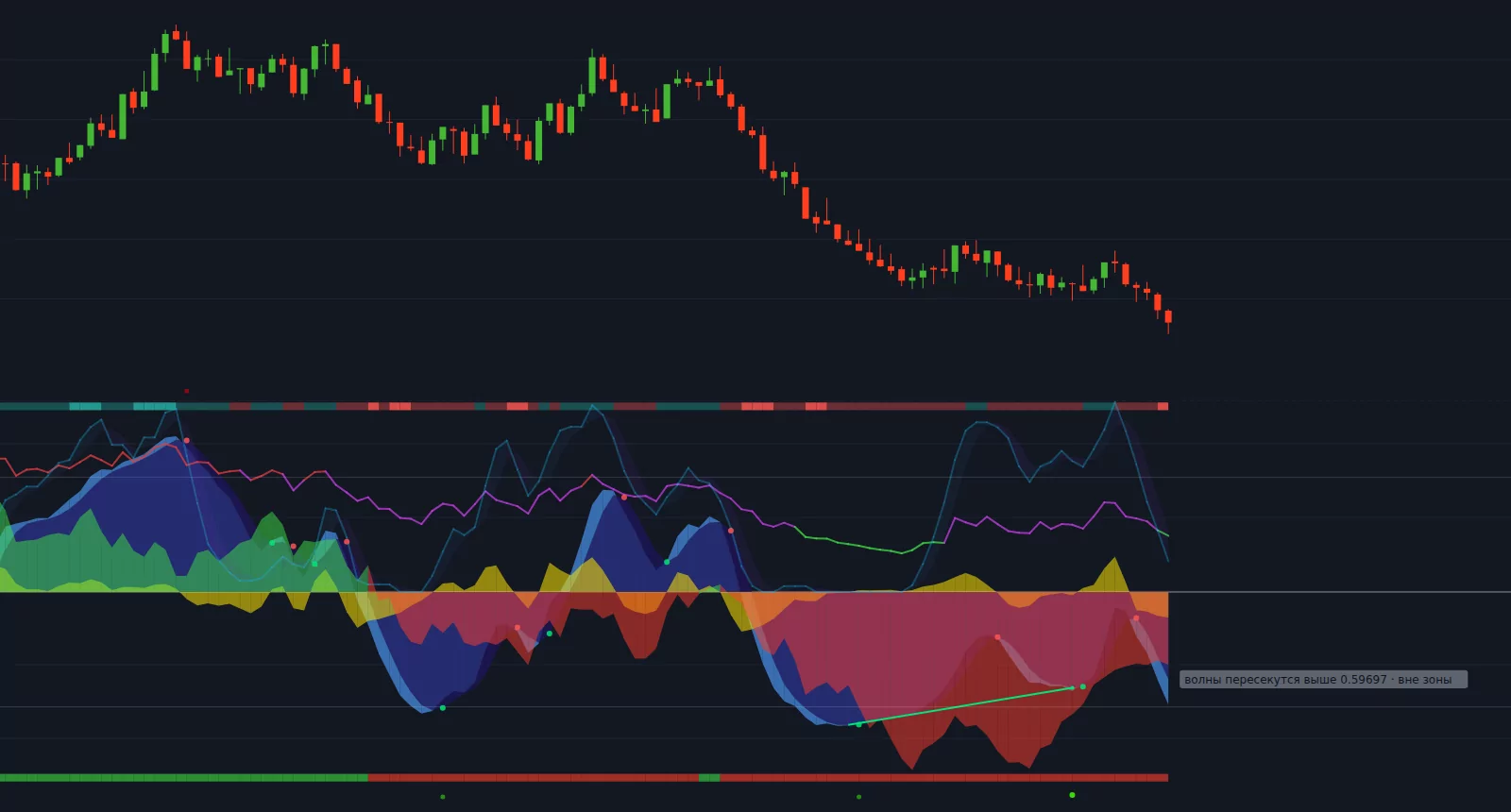
Click the chart to expand it. Then click a mark to see a hint.
Strategy builder
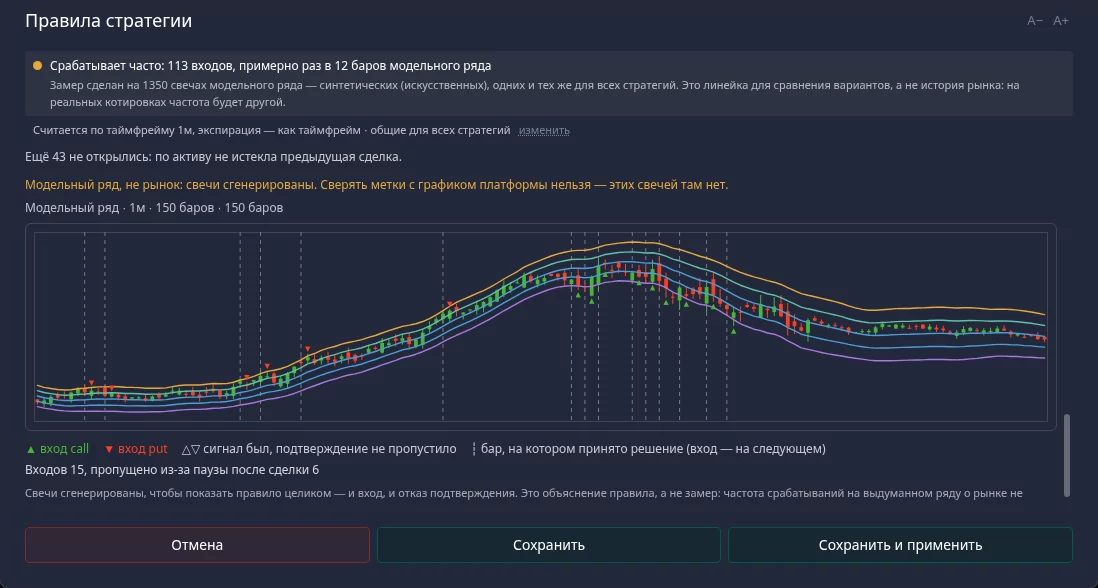
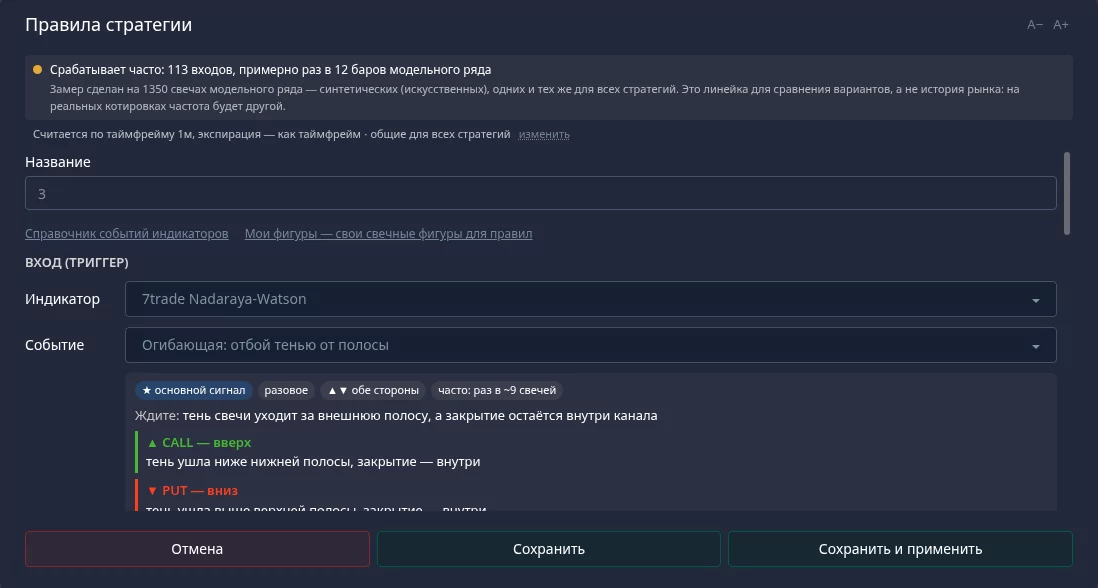
A strategy is one entry and any number of confirmations. The entry names the trade direction; confirmations must agree on the same candle.
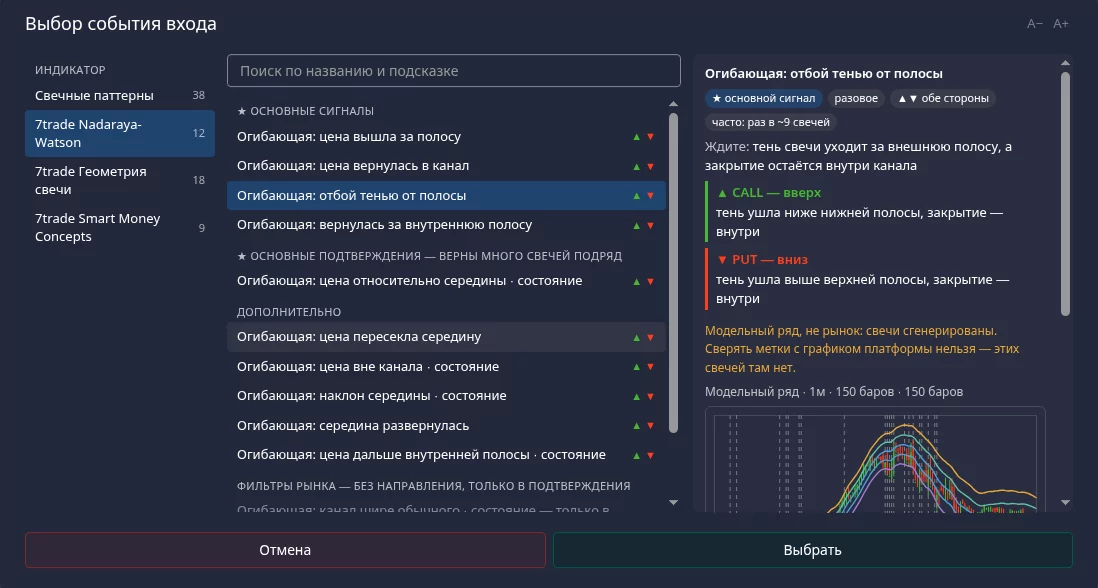
Our own indicators
The bot calculates them itself and draws them as a strip below the chart or right over the candles. Each has two checkboxes: "Use" — give it to strategy rules, "Show" — draw it.
A channel around a smoothed price: the middle, stretch zones and a corridor for the trade duration.
A strip below the chart: waves, zones and marks where the waves cross inside a zone.
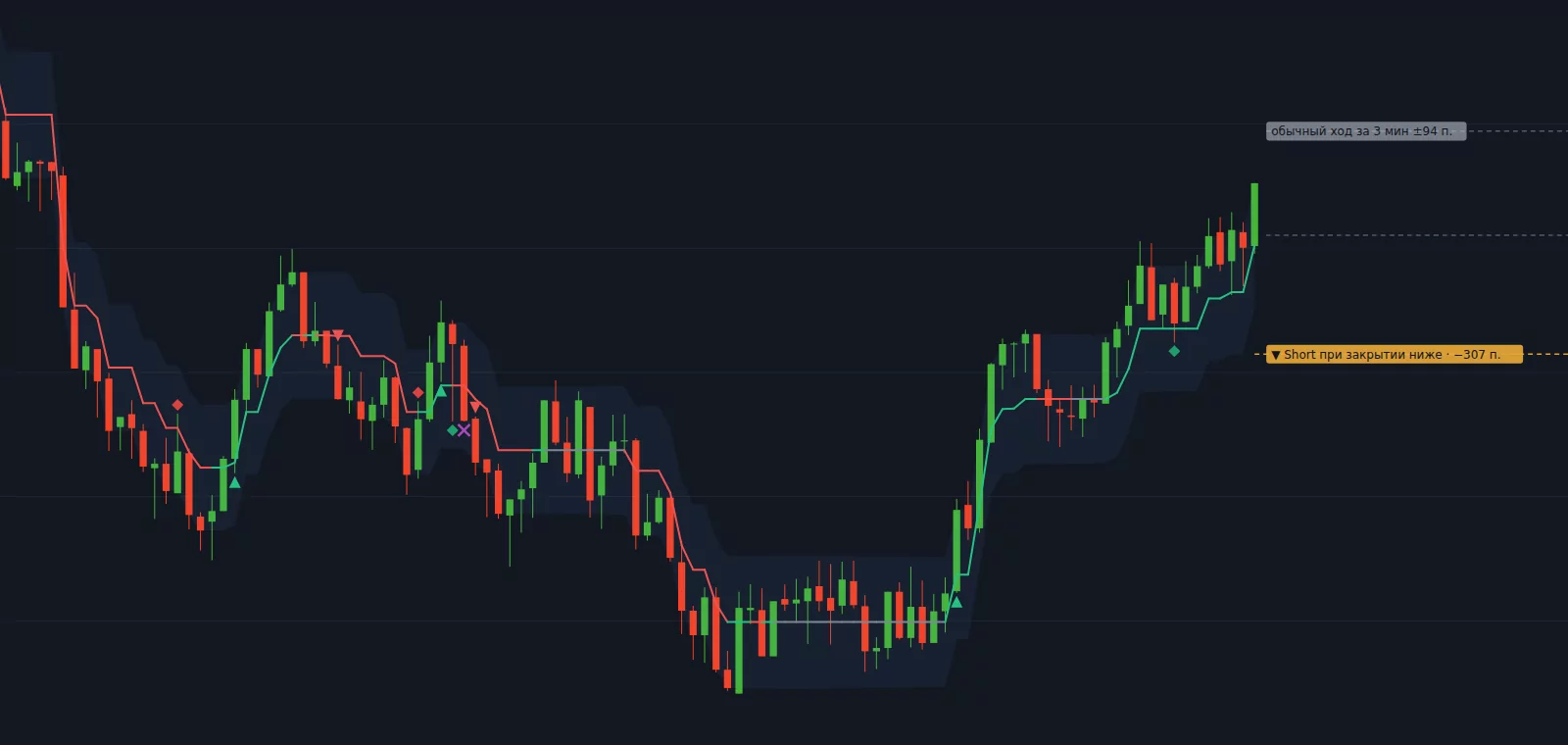
A line that follows the close: a rest zone, the threshold for the next mark, signal and break marks.
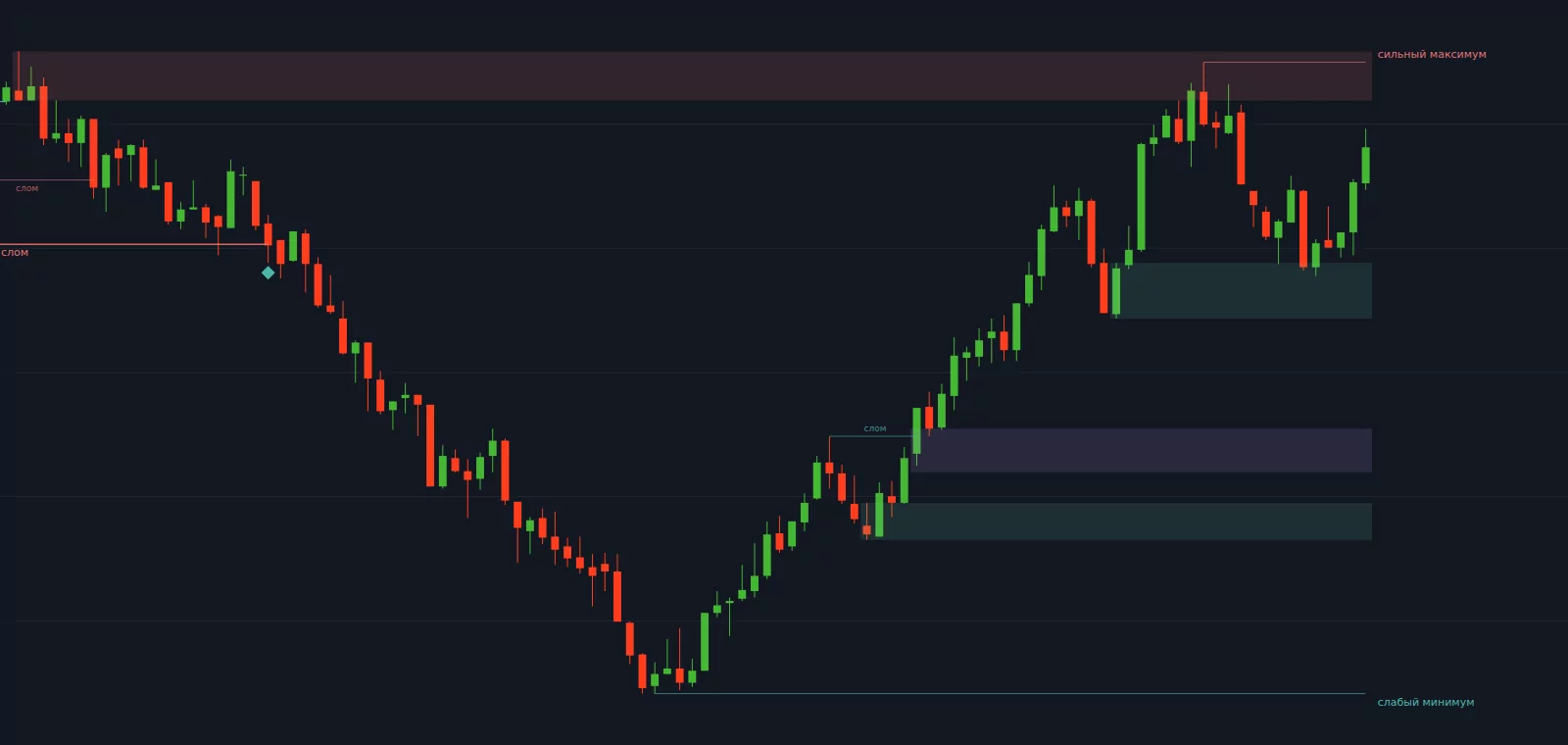
The nearest levels above and below: blocks, broken blocks, and where the price is relative to them.
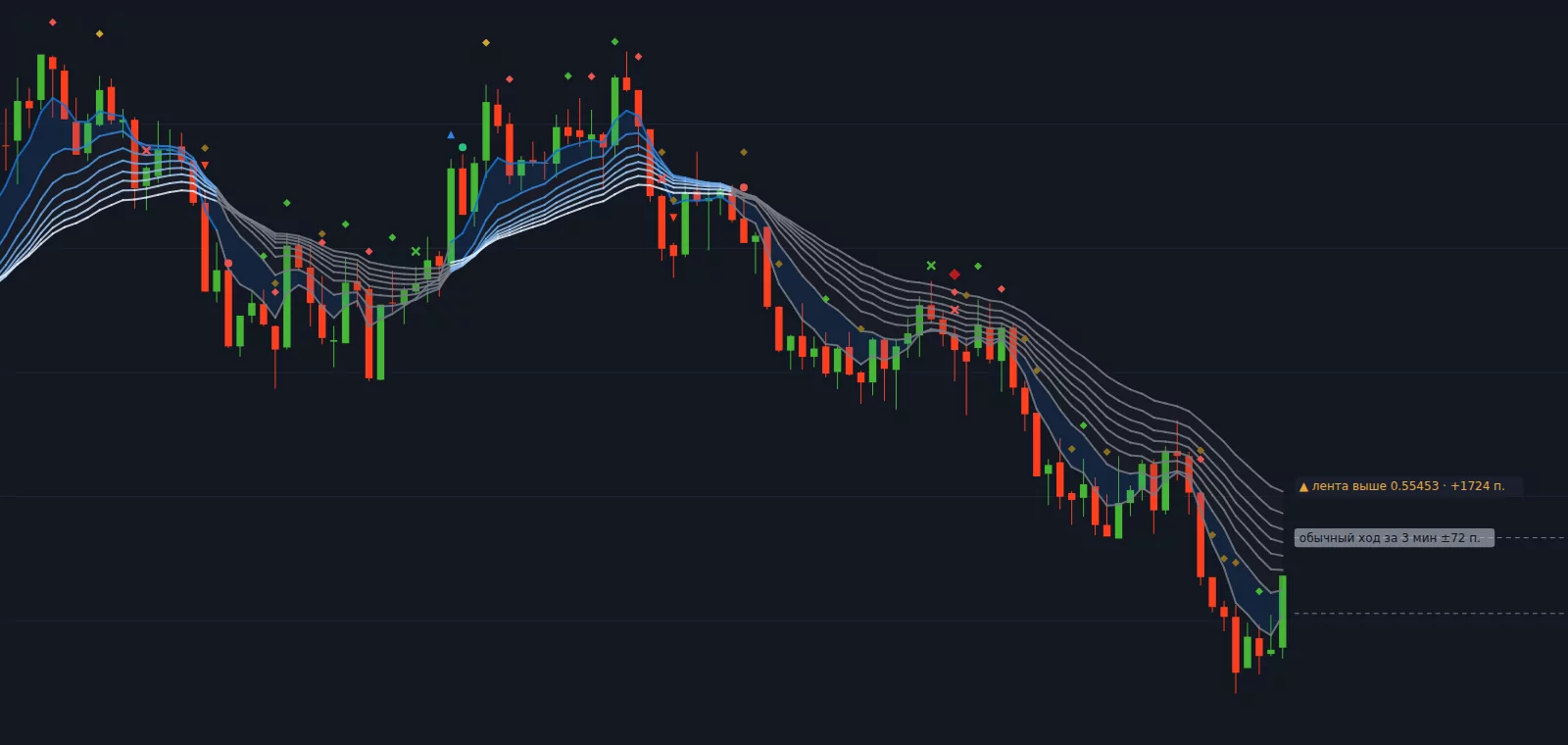
A ribbon of eight moving averages over the candles and marks above the bars.
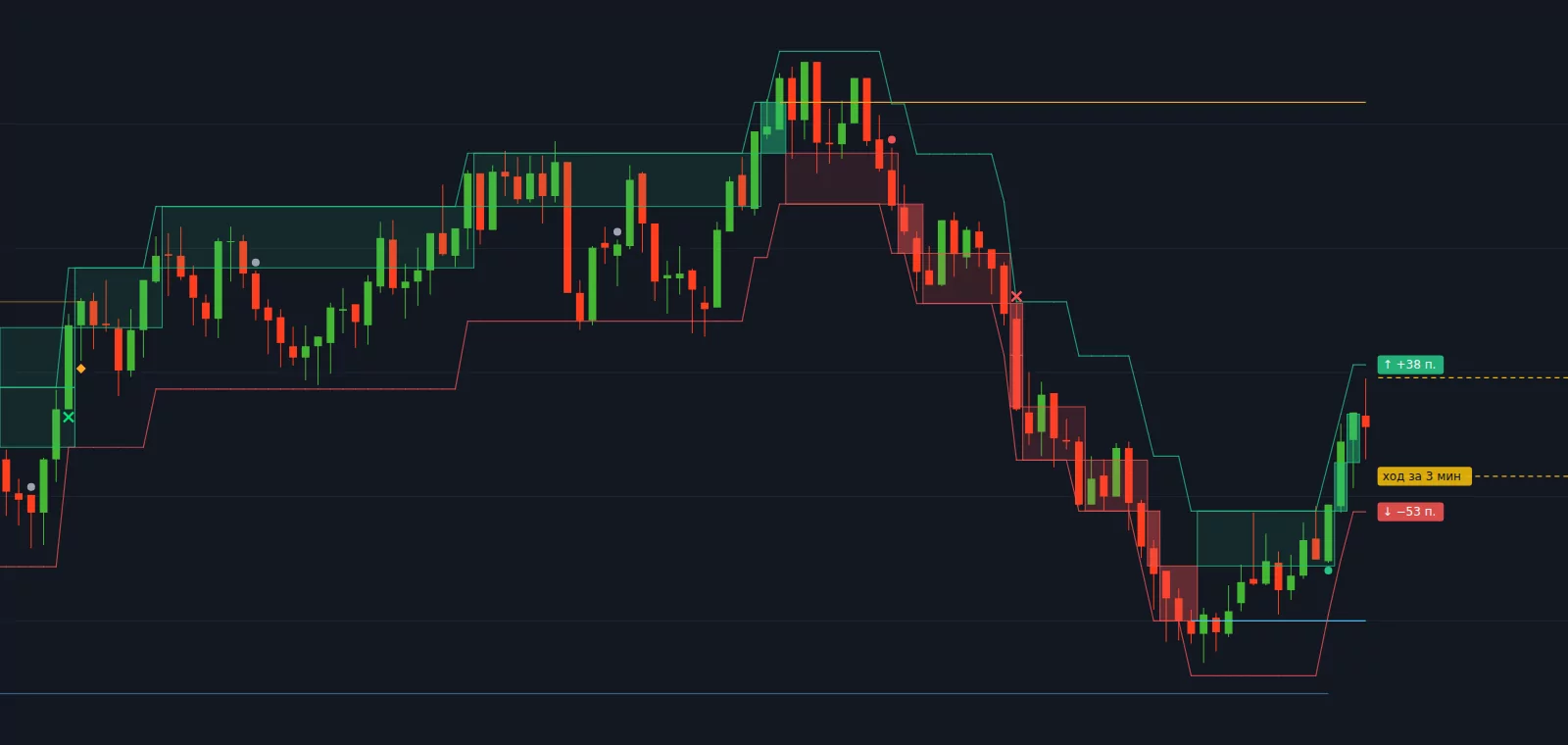
Bricks the size of a typical price move over the trade duration — drawn over the candles.
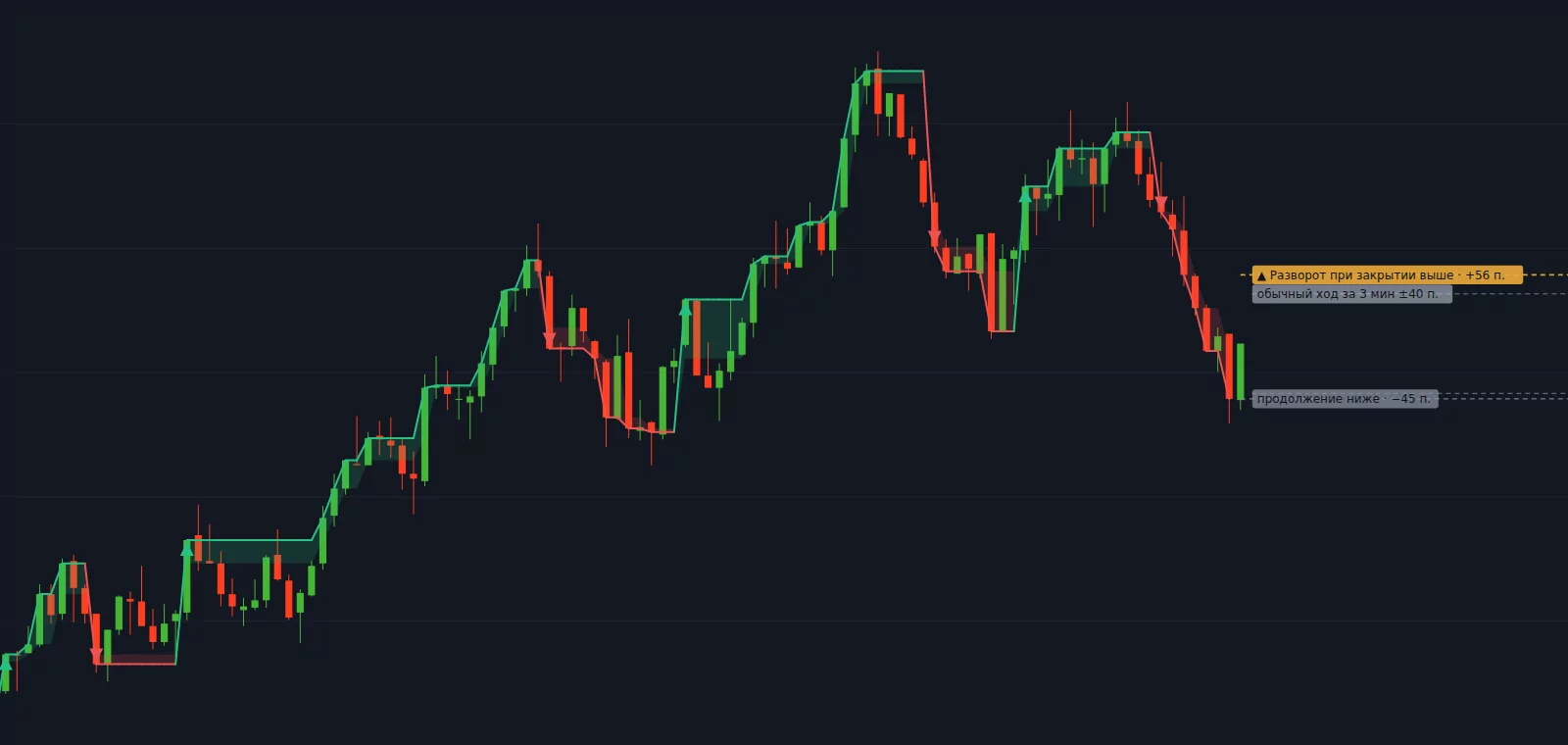
Another chart of the same price over the candles: reversals and continuations.
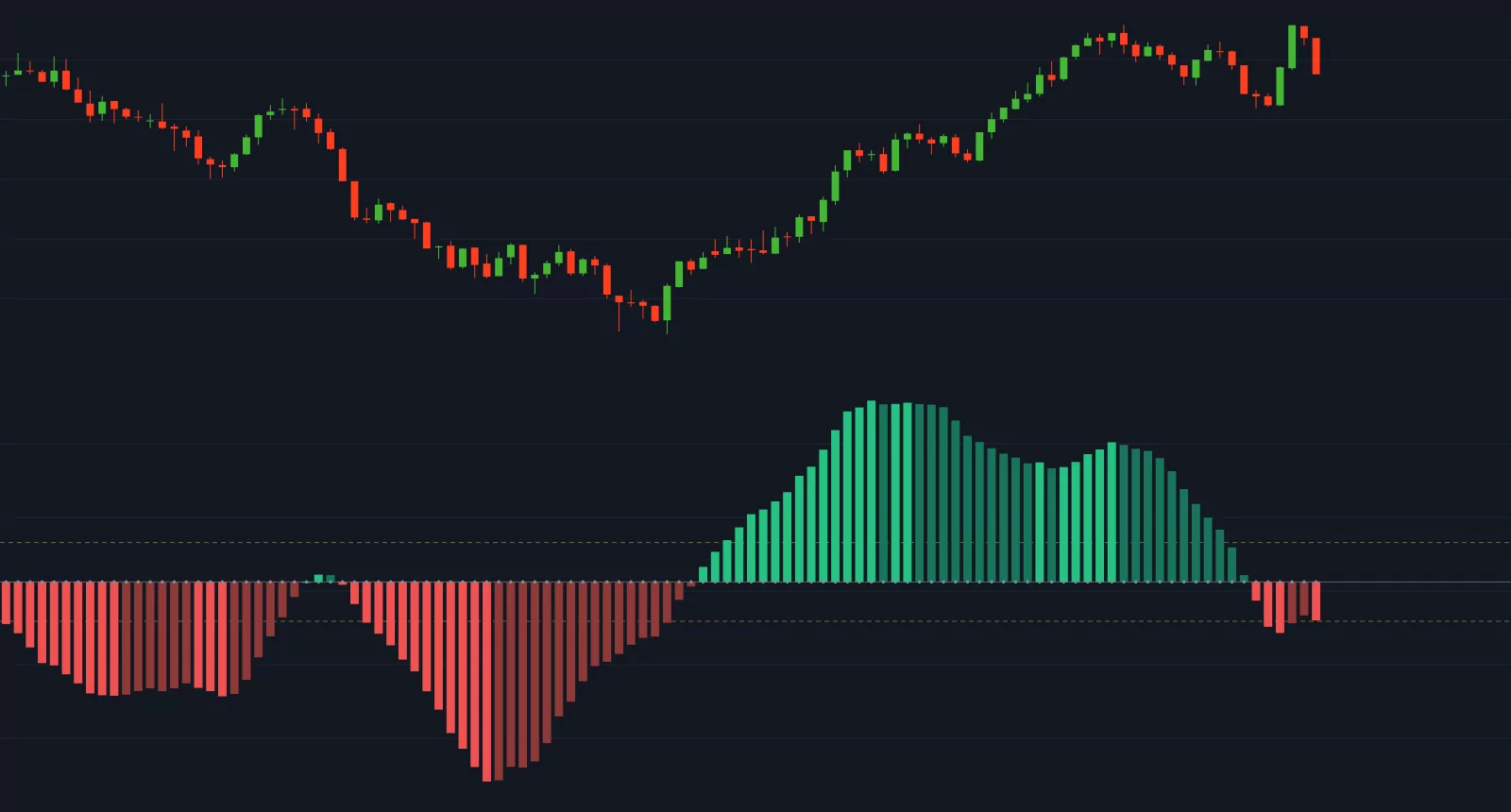
A strip below the chart: market compression and momentum measured in moves per trade.
7trade Candle geometry draws nothing: it breaks a candle into features — body share, wicks, range, close position — and gives them to the own-pattern builder.
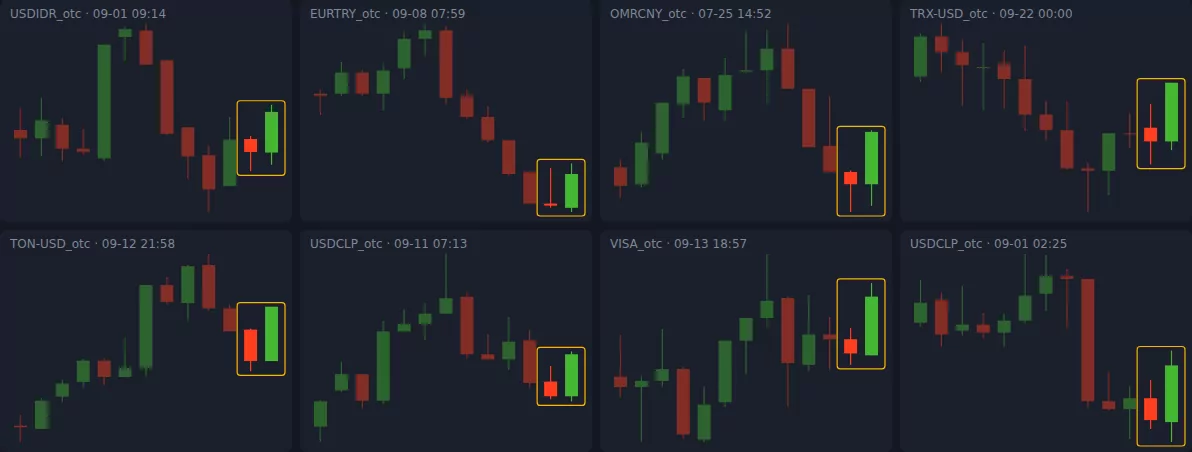
Candlestick patterns
The bot frames patterns right on the chart and lists them in the "Patterns" tab. Not enough ready ones? Build your own from features: body share, wicks, range, close position.
Any pattern is also an event: you can use it as an entry or a confirmation in a strategy.
As a signal confirmation, as a source of direction or as a strategy of its own. It runs on your key: you pay the provider directly and see the spending in the bot.
The bot opens a trade only when your strategy fires. Martingale — after losses and after wins, for the bot's trades and for trades you open by hand. Everything is configurable and can be turned off.
"Allow trading (lock)" and "Start/Stop" are two separate keys. "Stop martingale" breaks the top-up chain. "Bot status" explains why it is not trading. All of this is free on any plan.
The bot appears as items in the top bar of the trading room, a tab on the right and strips below the chart.
The "Strategies" window → an entry and confirmations from the events of indicators on the chart.
The preview under the rules shows where the bot would have entered on the chart bars. Then run the strategy with the lock closed — there will be no trades.
Once the rule is clear, allow trading. Start with a demo account.
7trade is a tool: build a rule, see it on the chart, check it on history and run it. It calculates faster than you and never gets tired, but it does not predict prices and does not promise income. The decision to enter is made by the rules you built.
What the bot does not promise →For the first 14 days after signing in to a free account — everything in Pro on a demo account. After that, Free — set up and test on demo. Pro — a real account and no limits.